



All Document Reader:PDF Viewer icon

All Document Reader:PDF Viewer

3.2.7

3.4 (204)
0
19.83 MB
下载 19.83 MB

All Document Reader:PDF Viewer 屏幕截图

All Document Reader:PDF Viewer screenshot 1
All Document Reader:PDF Viewer screenshot 2
All Document Reader:PDF Viewer screenshot 3
All Document Reader:PDF Viewer screenshot 4
All Document Reader:PDF Viewer screenshot 5
All Document Reader:PDF Viewer screenshot 6
All Document Reader:PDF Viewer screenshot 7
All Document Reader:PDF Viewer screenshot 8
All Document Reader:PDF Viewer screenshot 9
All Document Reader:PDF Viewer screenshot 10
All Document Reader:PDF Viewer screenshot 11
All Document Reader:PDF Viewer screenshot 12
All Document Reader:PDF Viewer screenshot 13
All Document Reader:PDF Viewer screenshot 14
All Document Reader:PDF Viewer screenshot 15
All Document Reader:PDF Viewer screenshot 16
All Document Reader:PDF Viewer screenshot 17
All Document Reader:PDF Viewer screenshot 18
All Document Reader:PDF Viewer screenshot 19
All Document Reader:PDF Viewer screenshot 20
All Document Reader:PDF Viewer screenshot 21
All Document Reader:PDF Viewer screenshot 22
All Document Reader:PDF Viewer screenshot 23
All Document Reader:PDF Viewer screenshot 24
All Document Reader:PDF Viewer screenshot 25
1 / 25

19.83 MB

大小

3.2.7

版本

10.0+

Android

ARM64

Arch

关于 All Document Reader:PDF Viewer

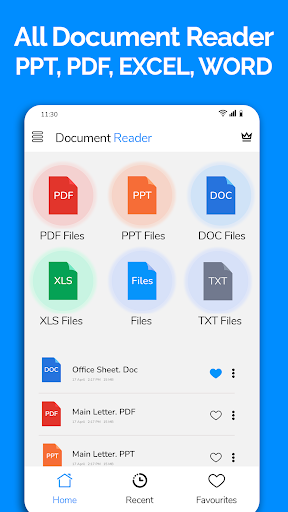
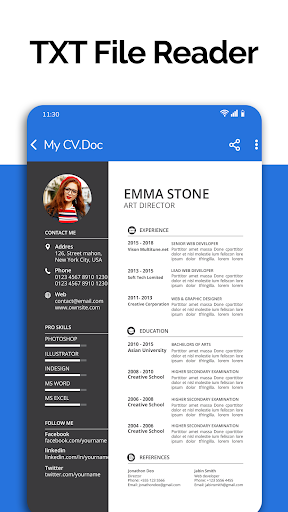
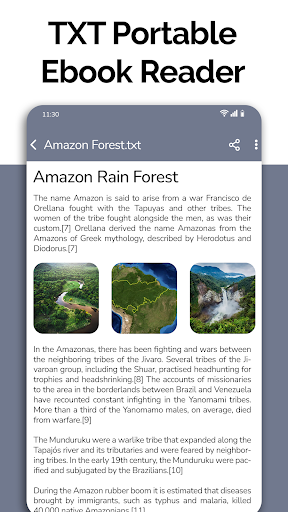
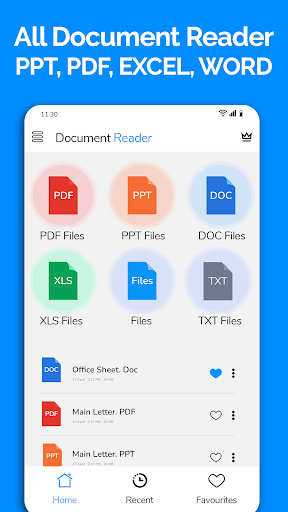
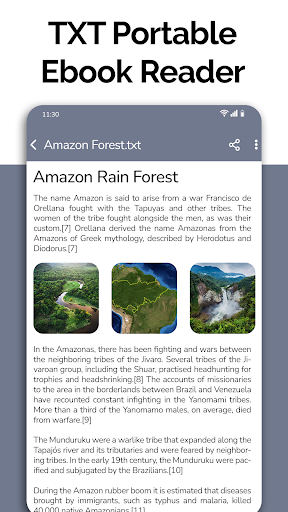
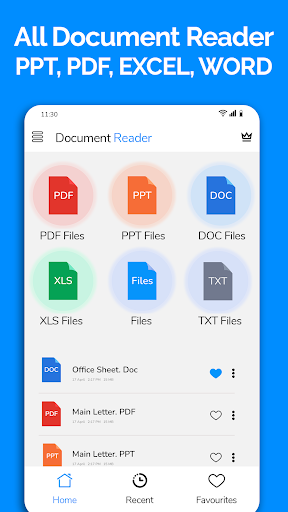
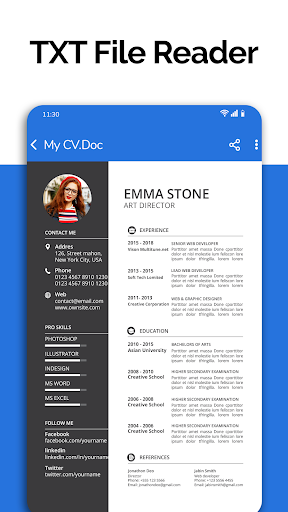
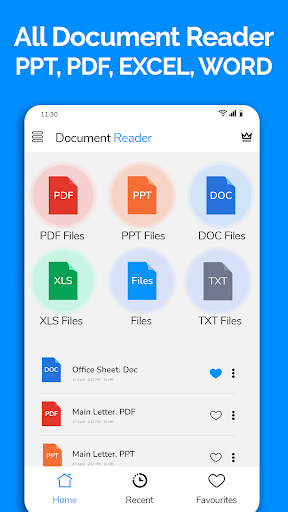
All Document Reader:PDF Viewer 是一款专为移动设备设计的文档管理与阅读应用,旨在帮助用户无需电脑即可轻松查阅各类办公文档。它支持打开并查看常见的 Word、PDF、Excel、PowerPoint 和 TXT 格式文件,让用户能够随时随地处理日常的文档阅读需求,例如阅读新闻、查看商业发票、旅行票据或课堂笔记等。该应用提供了一个统一的平台,方便用户在手机上高效地管理和访问各种文档。

文档格式支持与管理

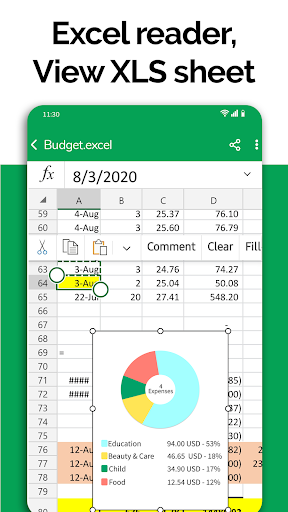
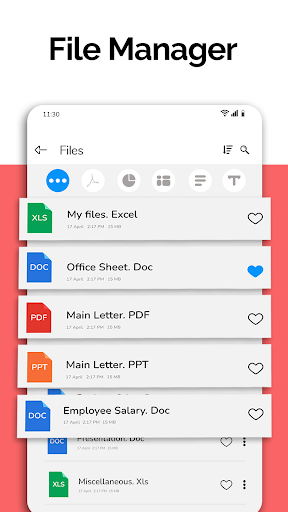
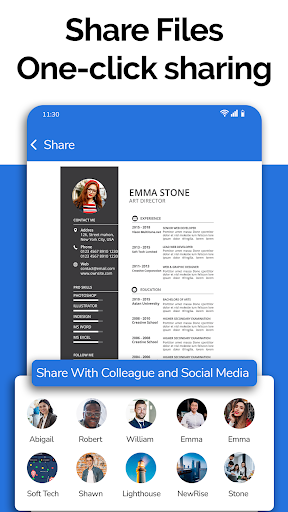
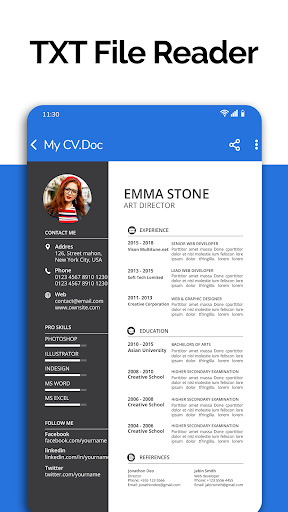
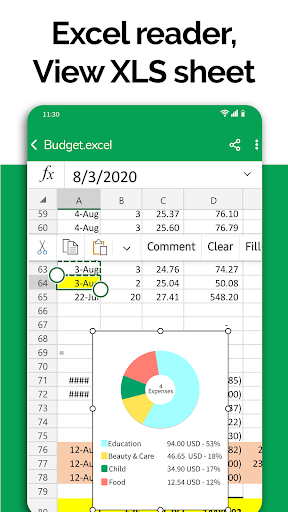
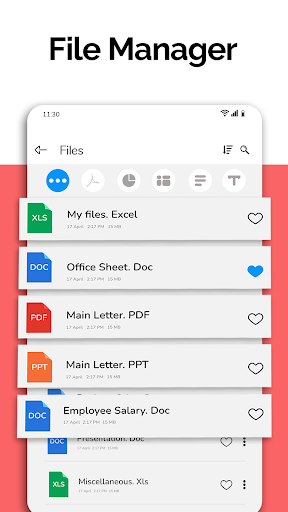
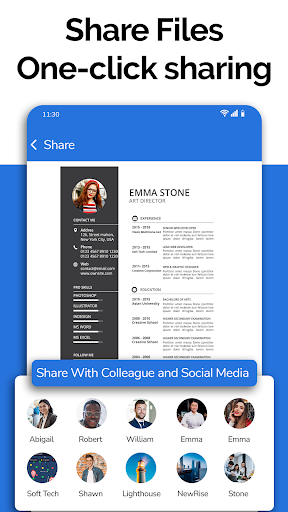
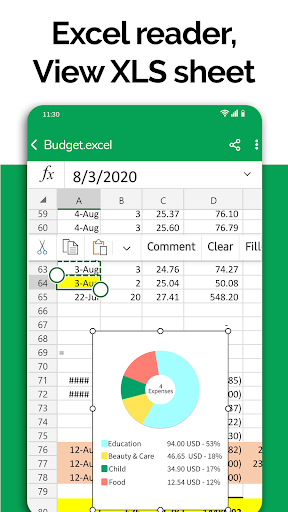
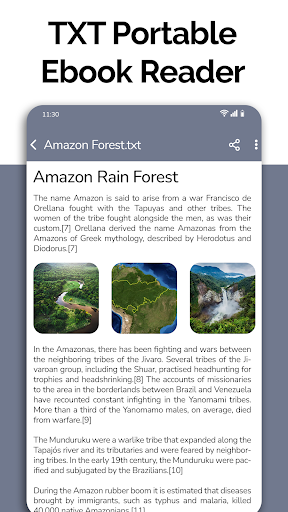
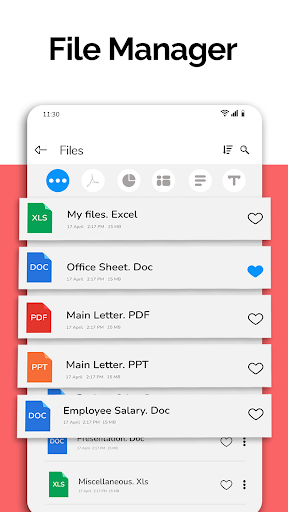
这款应用的核心功能在于其广泛的文档格式支持。用户可以通过它打开和查看多种文件类型,包括 Word 文档(如 DOC 和 DOCX)、Excel 电子表格(XLSX 和 CSV 格式)、PowerPoint 演示文稿(PPT)以及纯文本文件(TXT)。应用内置的文件管理器能够自动对设备中的文档进行分类和整理,并将它们集中展示在一个界面上。用户可以根据文件格式对文档进行排序,并能执行删除、重命名和分享等基本文件操作。此外,它还允许用户查看文件的详细信息,例如文件路径、大小和上次修改日期。

PDF 文件处理

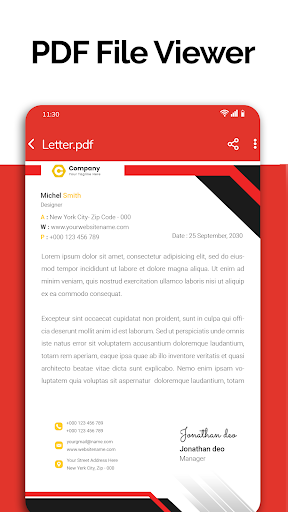
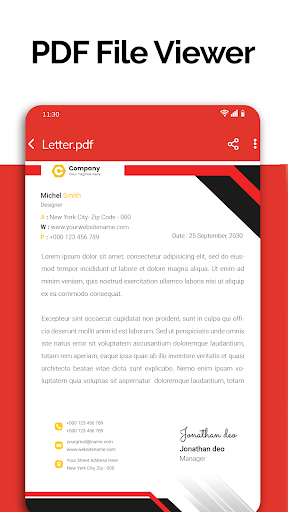
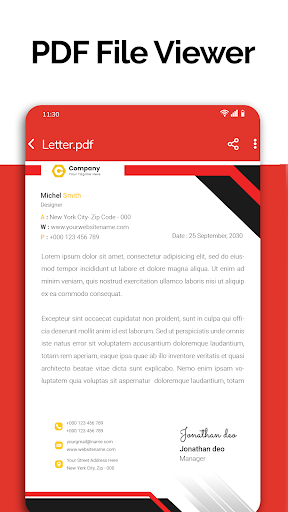
鉴于 PDF 文件在日常工作和生活中日益重要的地位,All Document Reader:PDF Viewer 特别强调了其 PDF 阅读功能。用户可以轻松地在手机上管理和打开所有 PDF 文件,并以高质量进行阅读。无论是查看商业合同、阅读电子书还是查阅学习资料,该应用都能提供流畅的 PDF 浏览体验。

演示文稿与扫描功能

对于 PowerPoint 演示文稿,用户可以通过此应用方便地浏览和打开已保存的 PPT 文件。虽然应用主要侧重于查看功能,但它也提到可以帮助用户为演示做准备,并在手机上阅读幻灯片。此外,应用还整合了文档扫描功能,使用户能够利用手机摄像头扫描文档,例如为考试准备资料。

近期优化

根据最近的更新,该应用在性能方面进行了优化,并修复了其他一些问题,同时对用户界面也进行了改进,以期提供更流畅、更友好的使用体验。

应用的附加信息

软件包名称

alldocumentreader.office.viewer.filereader.pdfviewer

开发者

One Stop Apps

类别

已更新

Nov 6, 2026

签名

1d0fdc07081e646a75f9d301012f6df185153c56

获取于

Google Play

你现在可以开始下载 All Document Reader:PDF Viewer 免费。以下是一些说明:

  • 请仔细阅读 APK 信息和安装说明,以确保游戏和应用正常运行
  • 请仔细阅读常见问题以获取更多详情
3.4
/ 5
204 投票
评价 All Document Reader:PDF Viewer 写评价

评价

暂无评价,来做第一个评价的人。

写评价